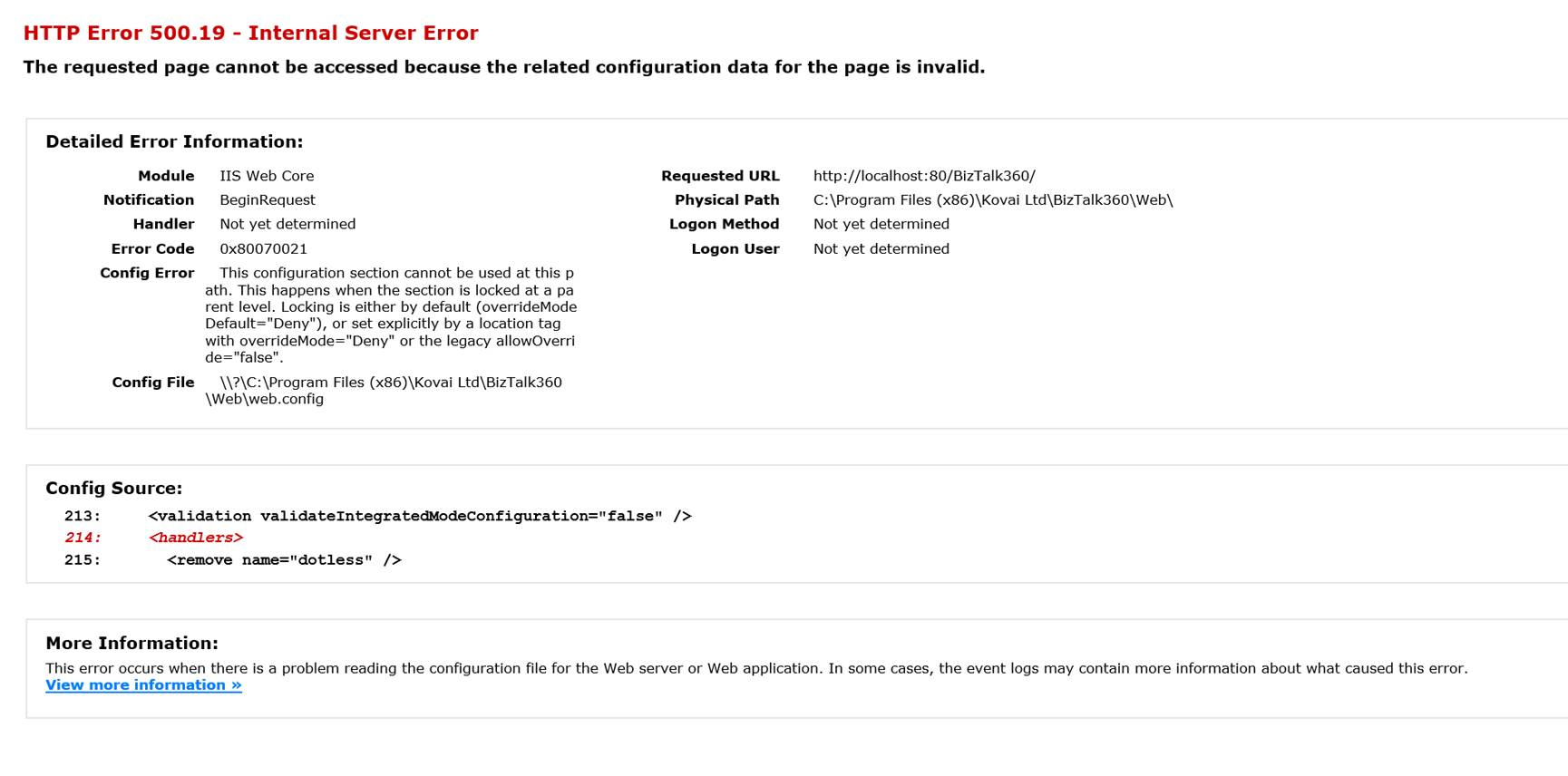
When you encounter an error like,
HTTP Error 500.19 - Internal Server Error
The requested page cannot be accessed because the related configuration data for the page is invalid.
Error Code : 0x80070021
Follow the steps as shown below to fix this problem:
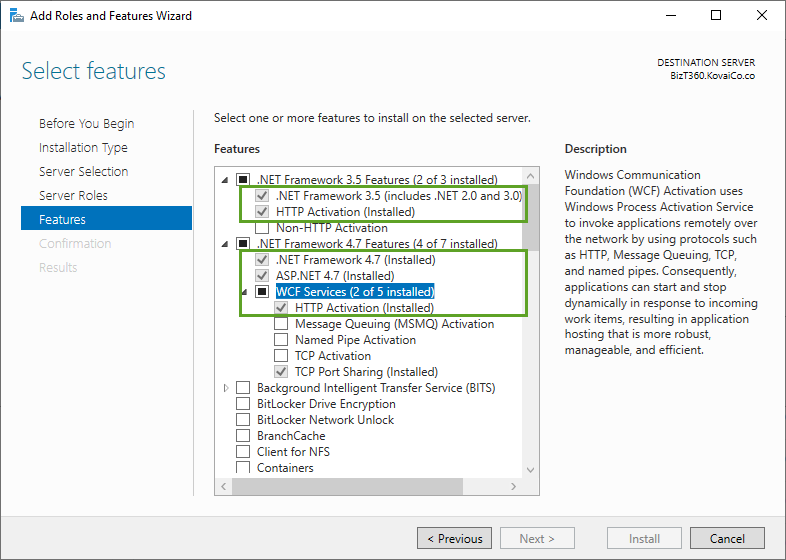
- Open the Server Manager interface
- Select Features from the left menu. Click Add Features
- In the Select Features interface, expand .NET Framework (latest) Features
- Select the check box next to .NET Framework (latest) Click Next
- Click Install in the Confirmation page. You will see the installation progress
- Click Close to close the wizard once the framework has been installed
If this error occurs in BizTalk360 v10, then make sure URL rewrite is installed in the server.