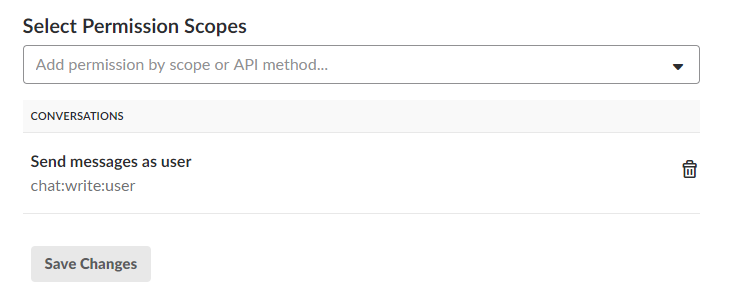
Once after configuring the Slack Notification channel, you may not able to receive the notifications from BizTalk360 and face the below error in BizTalk360.NotificationChannel.log log file.
YYYY-MM-DD 13:09:38 ERROR - missing_scope
The above exception will appear due to the scope/permission which was provided to the application configured in Slack.
To post messages in Slack for the particular application, you have to provide chat:write:user scope, (https://api.slack.com/methods/chat.postMessage)