You might get an alert message for a mapped Host Instance as 'Configured Host Instance (Host Name: BTHost, Server Name:BT360SUP03). No longer exist in the Environment'.
If the web portal (Administration / Infrastructure Settings / Host Instances) does not list the old instance anymore, we must do the following:
Remove the host instances mapped to the alarm in Alarm Mapping and restart the monitoring service once.
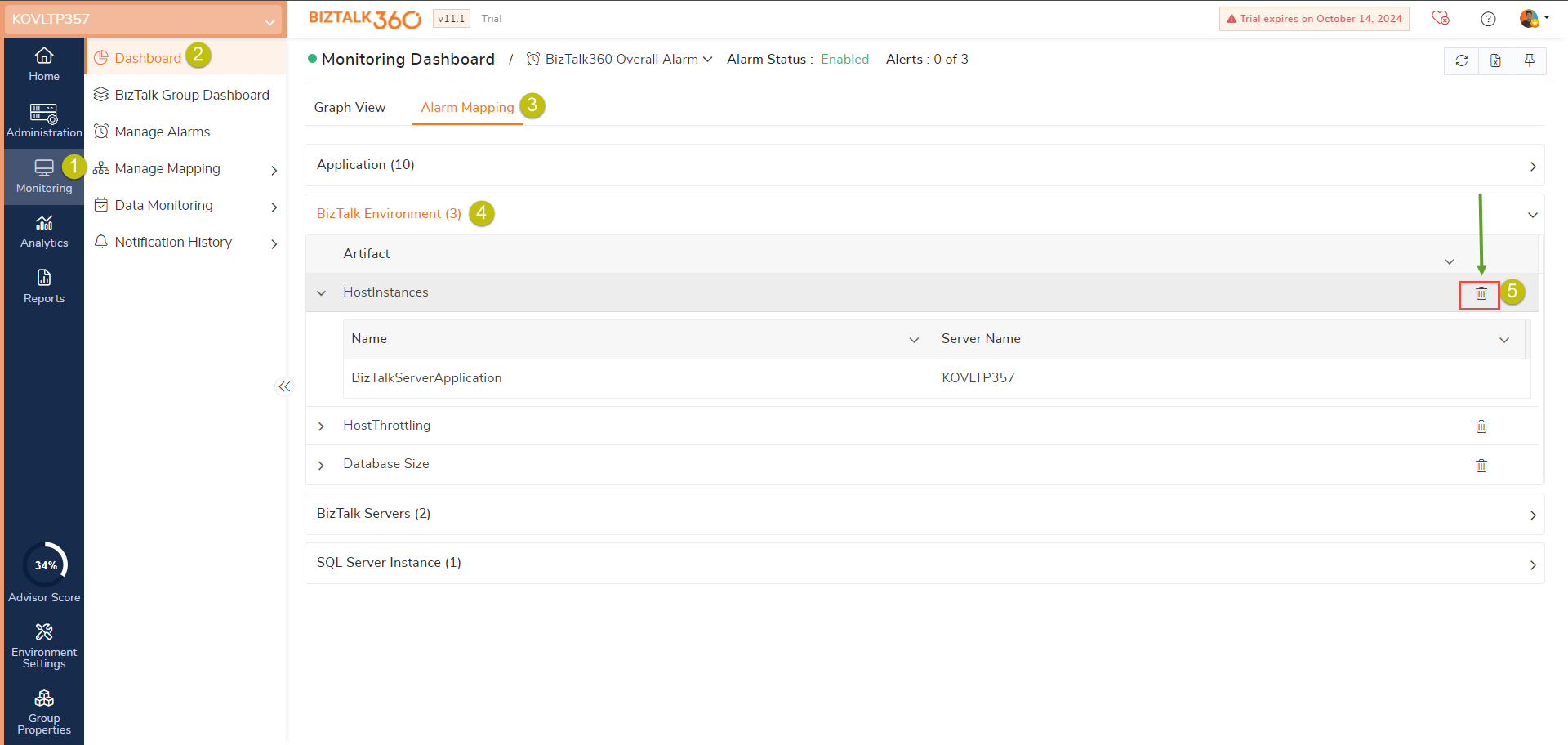
After removing the mapping, reconfigure the particular alarm.