When you encounter an error like Error Code : 0x80070021;
HTTP Error 500.19 - Internal Server Error. The requested page cannot be accessed because the related configuration data for the page is invalid.
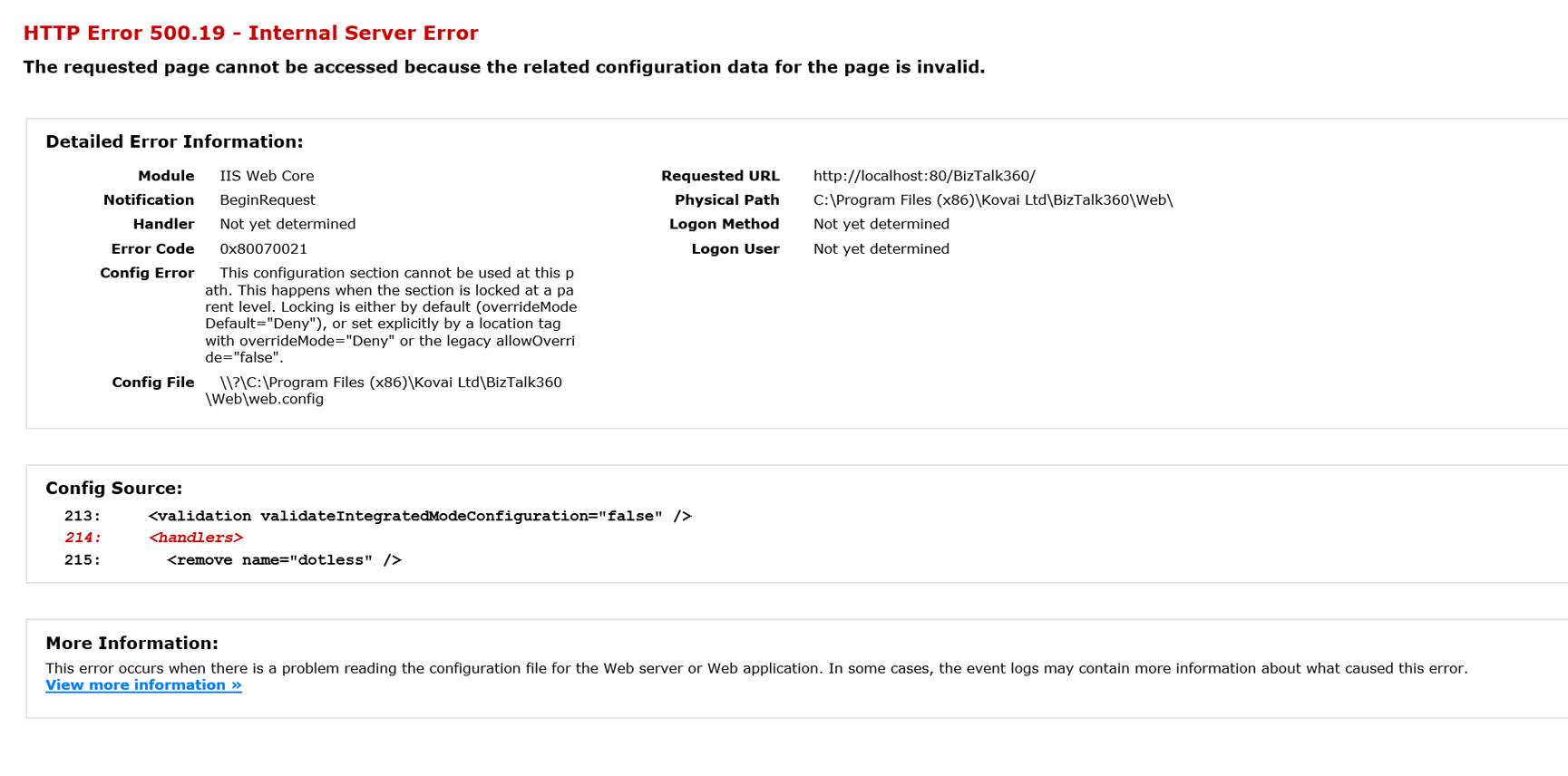
Follow the steps as shown below to fix this problem:
Open the Server Manager interface
Select Features from the left menu. Click Add Features
In the Select Features interface, expand .NET Framework 3.5.1 Features
Select the check box next to .NET Framework 3.5.1. Click Next
Click Install in the Confirmation page. You will see the installation progress
Click Close to close the wizard once the framework has been installed
If this error occurs in BizTalk360 v10 or above version, then make sure URL rewrite is installed in the server.