During the installation of High Availability, you install the BizTalk360 primary server with one credential (say ex: svc1) and the secondary server with another credential (say ex: svc2). While logging into the BizTalk360 web portal on the primary server, it will work fine, but when you log into the secondary server with the credentials of svc2 you might face the below problem.
“System.Exception: Authentication Failed for User: domain\user_name, The account (domain\user_name) is not a valid user in BizTalk360 Team management.“
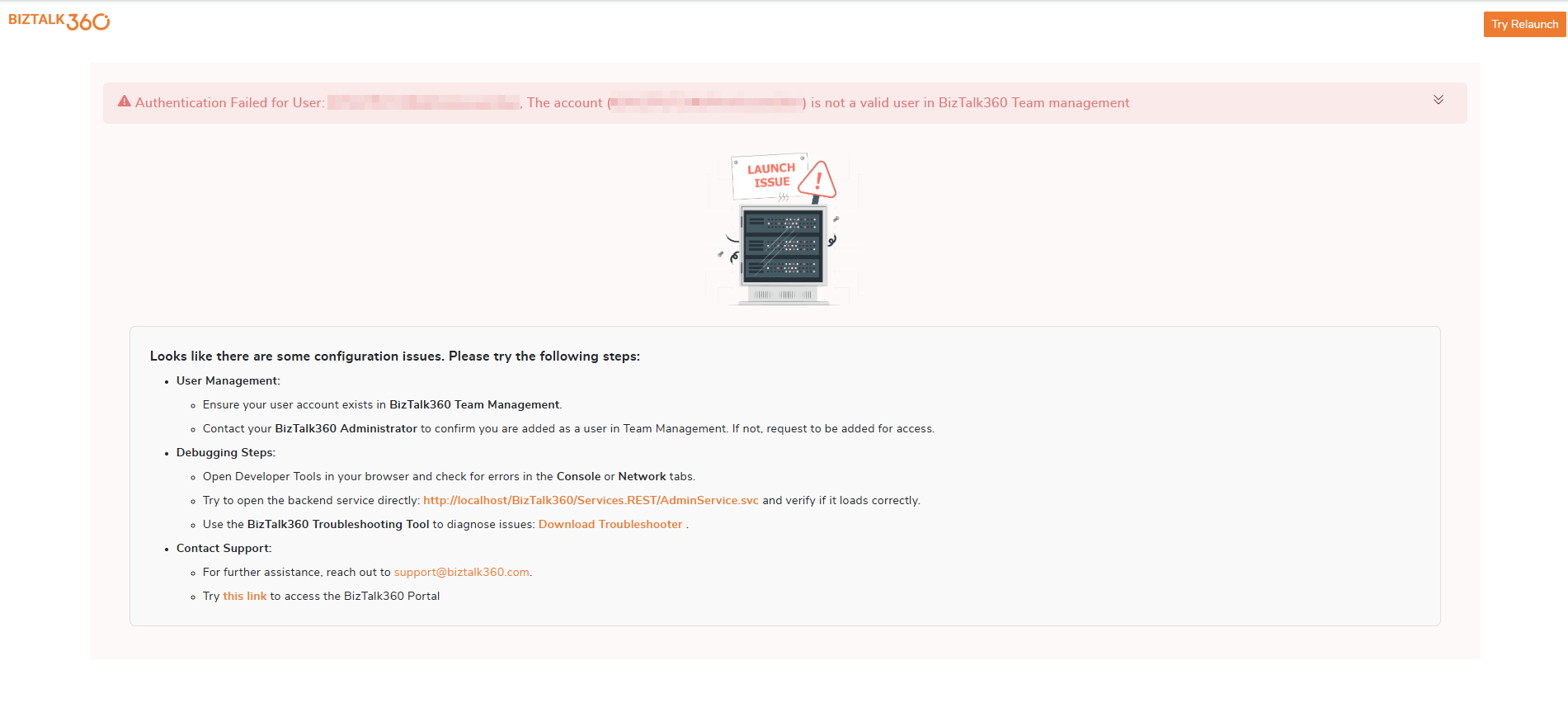
Solution:
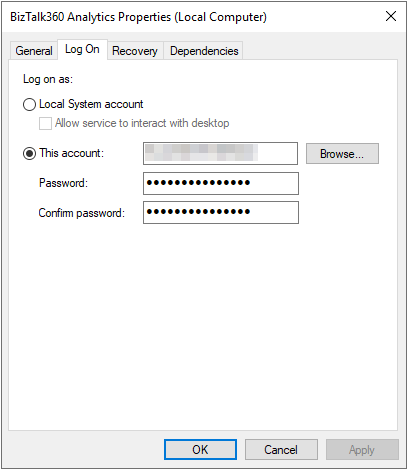
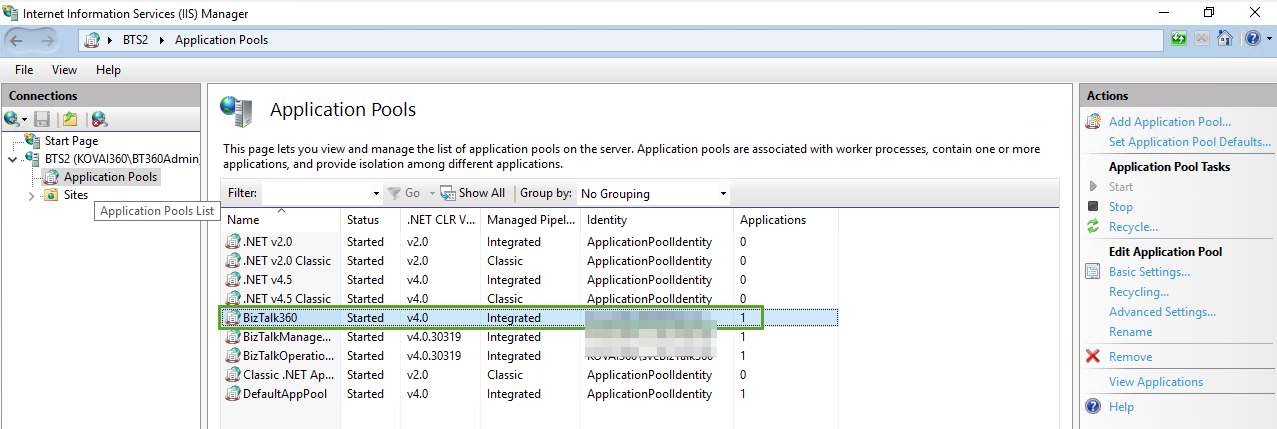
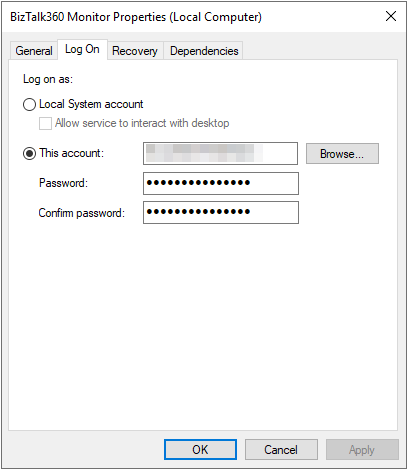
To resolve the issue and for smoother running, maintaining the service account as a single-user account is necessary. Hence, it is required to change the log-on credentials to Svc1 in the BizTalk360 application pool from IIS, monitoring service, and analytics service from Windows services in the secondary server, as indicated below:
To change the service account for the BizTalk360 App Pool in IIS:
To change the service account for the Monitoring service:

To change the service account for the Analytics service: