Problem description
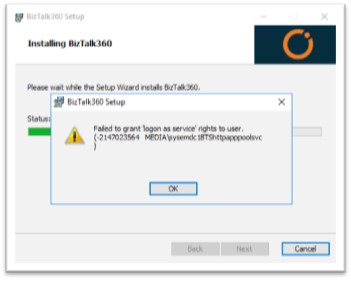
During the installation, we may get the following error and the installation fails:
Cause for the problem
Even after providing the logon as service access to the user, the installation failed. When checked for the user details, there was an alias name configured for that user. This resulted in the conflict to check for the actual user name in the installer and the installation failed.
Solution to the problem
Check if the service account is created with alias name. If yes, remove the alias name and try to install BizTalk360. The installation will be successful as the installer will check for the actual user name.