After the installation of BizTalk360, you can create more super users who are part of Active Directory (AD) and provide them access to BizTalk360. When the newly created user tries to login, they may get the following error: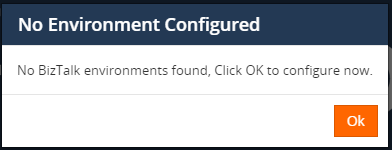
If the AD user is part of any distribution group present in system AD, then they will not be able to access BizTalk360. This restriction is provided for security reasons.
You can check the group properties of the user in the AD server as per the given screenshot below:
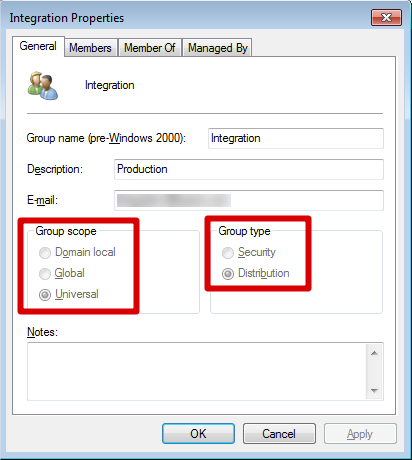
In order to login to BizTalk360, the user needs to be removed from the distribution group and added to the 'Security' group. Then, the user can login to BizTalk360 successfully.