There is a situation where an alarm is violated, but no alert notifications are triggered. The alarm may have been working as expected and sending email notifications for several days before this issue occurred.
Problem
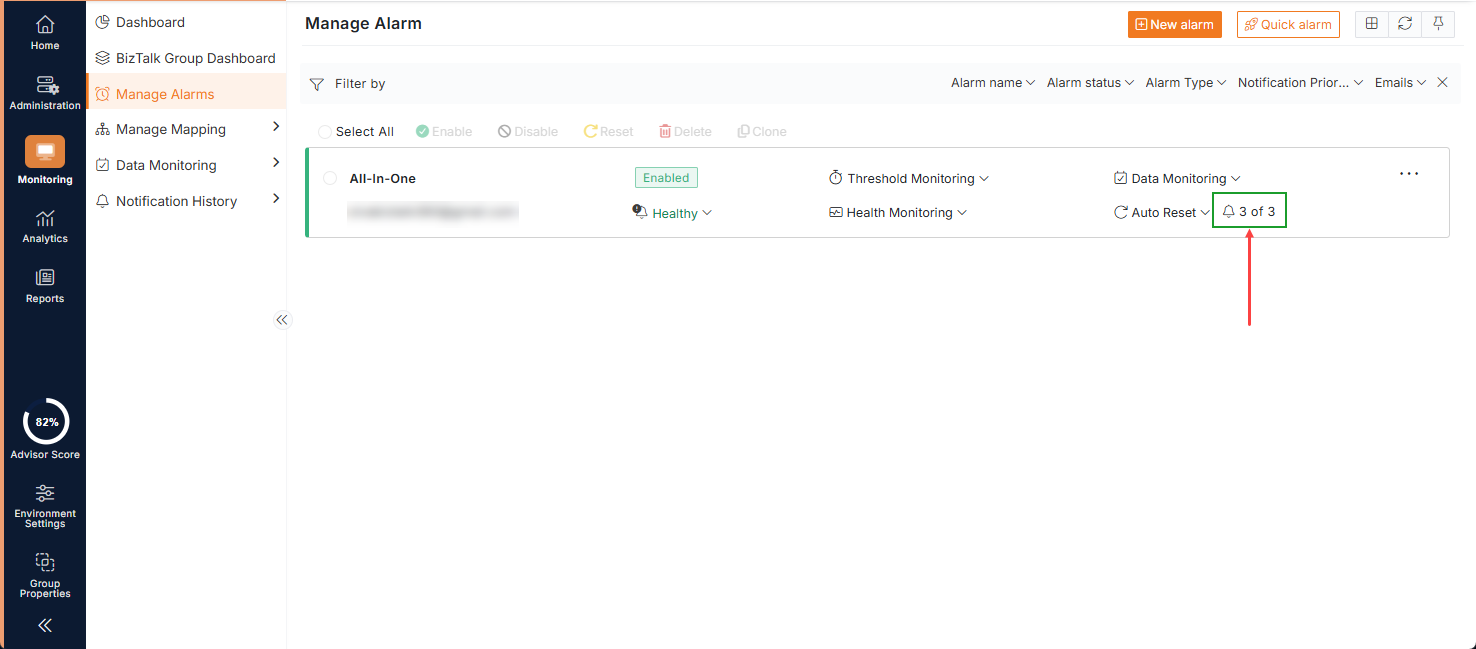
The first and foremost thing to check is the number of notifications that have already been sent for the affected alarm. If it reaches the maximum limit, it stops sending the alerts
Solution
When creating an alarm, you can configure the maximum number of notifications that can be sent for a violation. Based on this configuration, Down and Up alert notifications are triggered.
When a violation occurs, the Down alert emails are sent according to the configured notification limit. Once the number of notifications reaches the maximum limit, the alarm stops sending further notifications. As a result, new violations will not trigger additional email alerts.
There are two ways to resolve this issue:
1. Resolve the underlying problem:
Rectify the condition that caused the alarm violation. Once the problem is resolved, an Up alert email will be triggered, and the Notification Sent count will be reset to 0.
2. Reset the alarm:
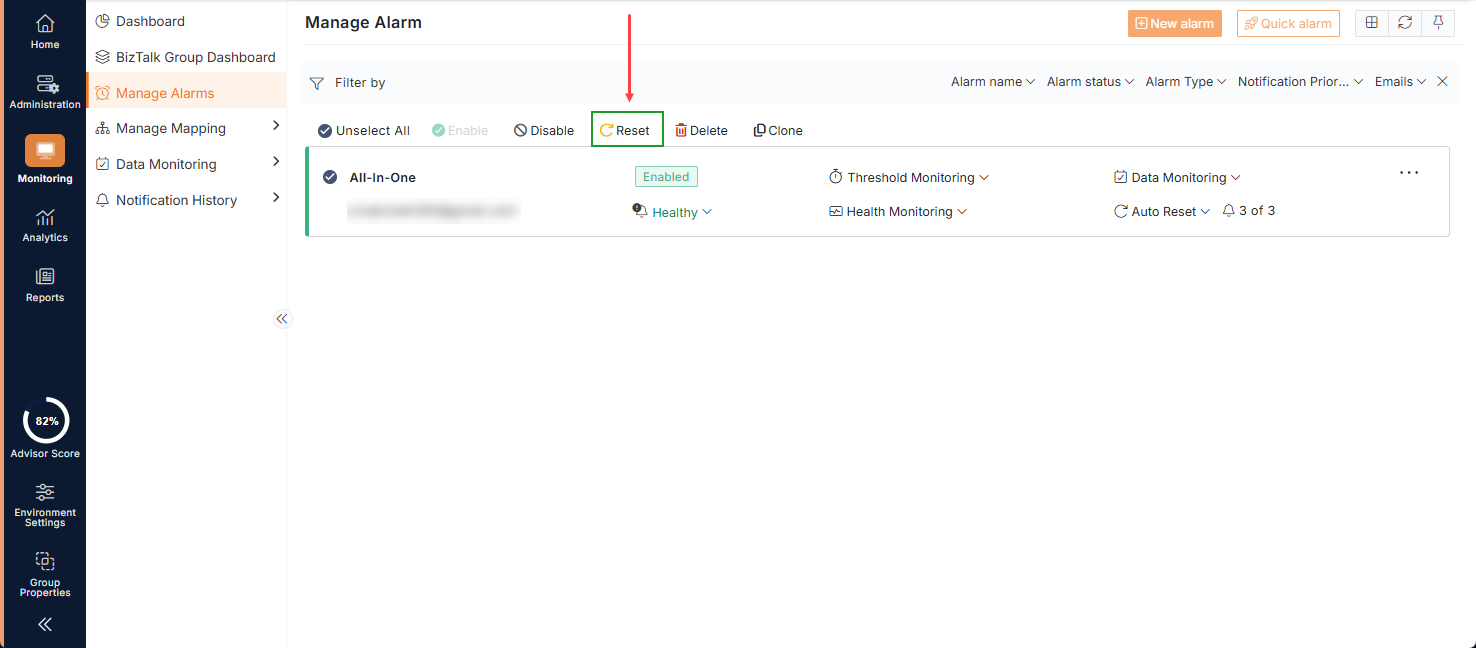
Configure the reset alarm options i)
This will reset the Notification Sent count to 0, allowing the alarm to send notifications for subsequent violations.