If you see this error - 'The SQL instance name does not match with the licensing key information' in a Error Loading Widget screen, it could be because of the following reason.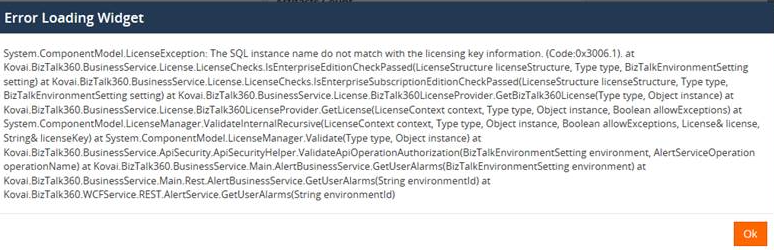
You recently changed your environment details by going to the Settings page and editing the Environment and you updated the Server name where the BizTalkMgmtDb is stored.
Although this might be right as you are now wishing to move your BizTalkMgmtDb to another server, the license was linked to the server names of the BizTalk server.
So the process to be followed, if you wish to change your environment details, is as below:
Deactivate the license
Change the environment SQL server name
Activate the license